webAgent
Syntax highlighting for the niche "webAgent" programming language in Sublime Text.
Installations:
recent average 0 per week,
15 in the 53 weeks shown
Installations minus removals
Upgrades
Installations minus removals
Upgrades
- 95 installs
Links
Versions
1.1.1
·
More
-
1.1.0
·
2026-09-30 19:54
webAgent Syntax
Syntax highlighting for the "webAgent" language in Sublime Text.
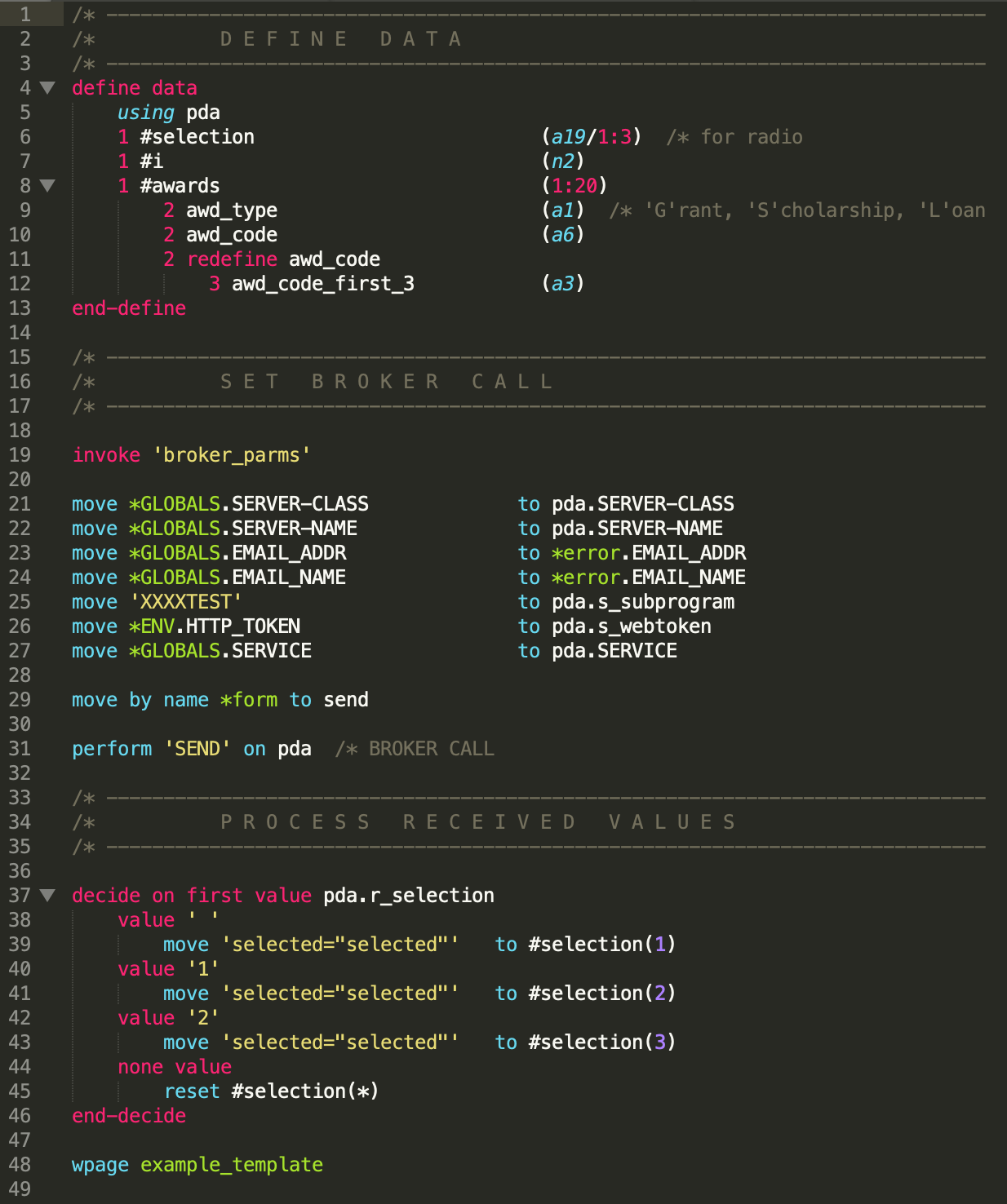
This package comes with a few other niceties like autocomplete snippets and shortcuts for comments and headers.
Installation
You can install this package from Package Control (recommended) or manually. Package Control will automatically keep the package up-to-date. Manual installation is required if you want to edit the code or contribute.
Install via Package Control
- Install Sublime Package Control.
- In Sublime Text, open the Package Control command palette by pressing
ctrl+shift+p(Win, Linux) orcmd+shift+p(Mac). - Type "Package Control: Install Package" and hit return. A list of available packages will be displayed.
- Type "webAgent" and hit return. The package will be installed.
Install manually
- In Sublime Text, select "Preferences" > "Browse Packages". This opens your Sublime Text package directory.
- Clone this repo to your Sublime Text package directory.