Theme - Darkroom
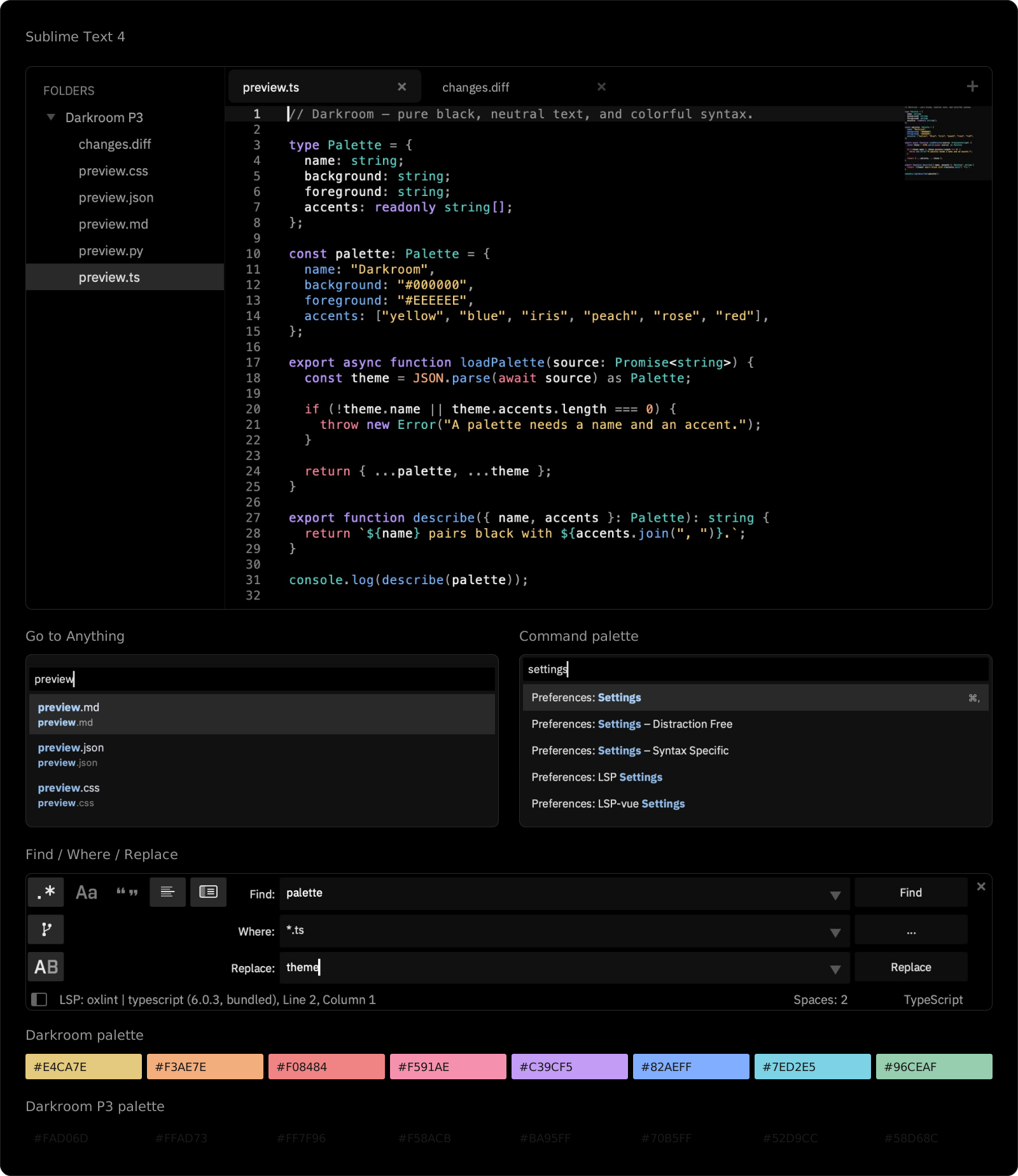
A pure black Sublime Text 4 theme with neutral text and colorful syntax.
Installations:
recent average 1 per week,
1 in total
Installations minus removals
Upgrades
Installations minus removals
Upgrades
- 1 installs
- Only for macOS
Links
Version
1.0.0
(ST4197+)
·
Darkroom
Install
Requires Sublime Text 4 4197+ on macOS. Install IBM Plex Sans for the interface font.
Package Control submission is pending. Install from a checkout:
git clone https://github.com/pioug/sublime-darkroom.git
cd sublime-darkroom
bash scripts/install.sh
In the Command Palette (⌘⇧P), select Darkroom under both
UI: Select Theme and UI: Select Color Scheme.
For eight wide-gamut accents on Display P3 Macs, choose Darkroom P3 under UI: Select Color Scheme. It keeps the pure black background and neutral text.
For a standalone archive and release steps, see RELEASING.md.
License
MIT · Gilles Piou