Astro
Astro syntax for Sublime Text
Installations minus removals
Upgrades
- 4,605 installs
- 10 stars
Links
Versions
2.10.3
(ST4134+)
·
2.10.3
(ST4126 - 4133)
·
1.2.0
(ST3176 - 4125)
·
Astro
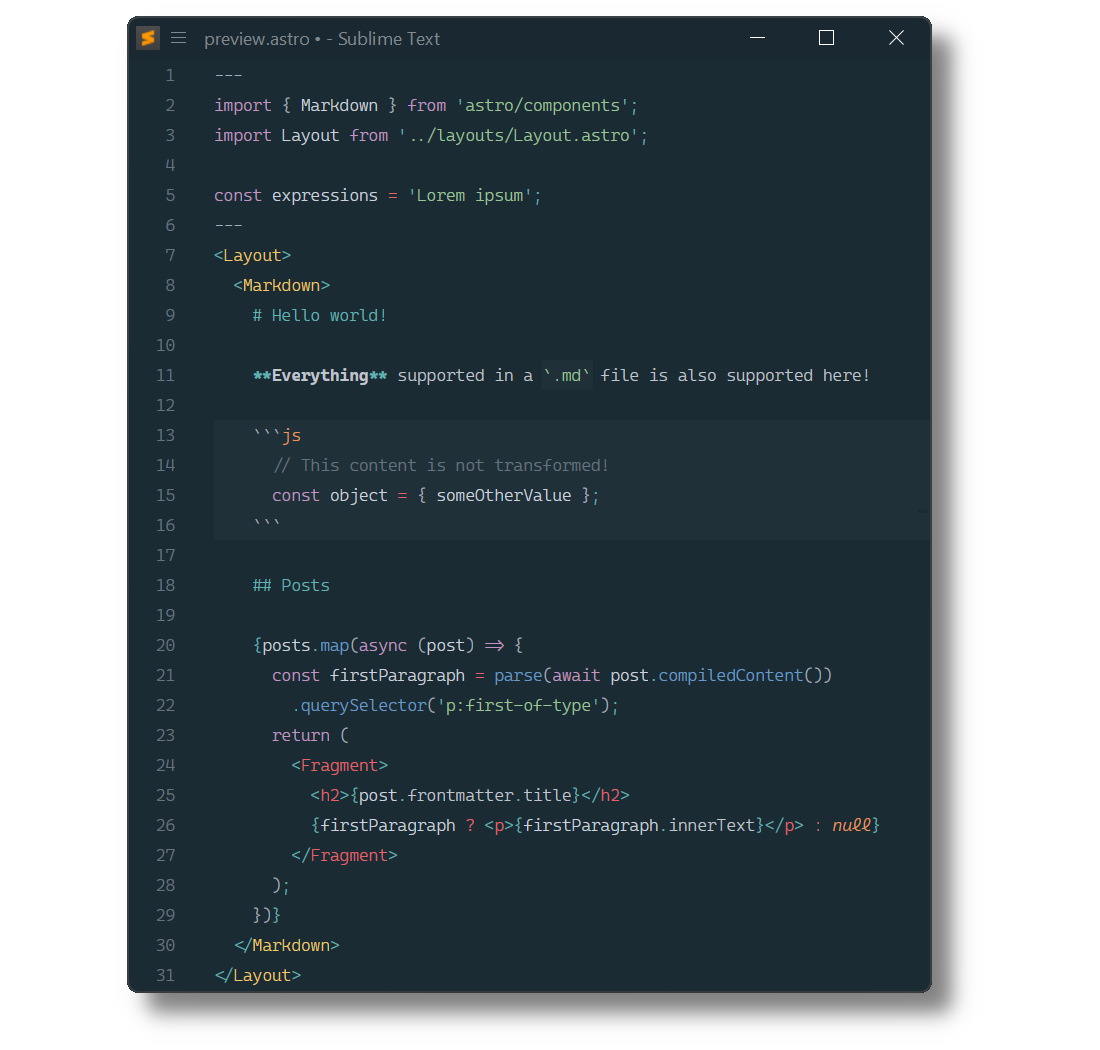
Astro syntax definitions for Sublime Text based on its HTML, Markdown and JSX syntaxes.
Installation
Package Control
The easiest way to install is using Package Control. It's listed as Astro.
- Open
Command Paletteusing ctrl+shift+P or menu itemTools → Command Palette... - Choose
Package Control: Install Package - Find
Astroand hit Enter
Manual Install
- Download appropriate Astro-2.0.0-st4xxx.sublime-package for your Sublime Text build.
The
st4xxxsuffix denotes the least required ST build for the sublime-package to work. - Rename it to Astro.sublime-package
- Copy it into Installed Packages directory
Note
To find Installed Packages...
- call Menu > Preferences > Browse Packages..
- Navigate to parent folder
Requirements
- Astro 2.0.0 requires Sublime Text 4126+
- Syntax highlighting in
<style>tags is powered by 3rd-party packages - Intellisense features are provided by LSP and LSP-astro.
Troubleshooting
§1 Syntax Definition Parse Errors
Astro extends Sublime Text's HTML and Markdown syntax definitions.
If Astro syntax highlighting doesn't work and console displays syntax errors in HTML (Astro).sublime-syntax or Markdown (Astro).sublime-syntax, please make sure to remove any out-dated syntax override.
Steps:
- call Menu > Preferences > Browse Packages..
- Look for HTML and Markdown folders
- Remove them or at least delete any syntax definition in them.
§2 Frontmatter or Components are not highlighted
Astro includes TypeScript (source.ts) and TSX (source.tsx) syntaxes to render Components.
Make sure to remove out-dated TypeScript or TSX syntax packages, which don't meet least compatibility requirements.
They can be identified by calling sublime.find_syntax_by_scope("source.ts") in ST's console.
Known candidates are: